 FaxStore
Troubleshooting FaxStore Start Up Errors
This page provides information on trouble-shooting FaxStore when it is offline with a 502 error or isn't able to boot up.
How to Start FaxStore Manually
Login to the server via SSH or the usual method used.
Connect to FaxStore's screen session or create one if one doesn't exist.
Connect to existing:
screen -r -d faxstoreCreate a screen session:
screen -S faxstoreNavigate to the FaxStore directory.
cd /home/faxstoreStart FaxStore with the node command.
node .FaxStore should start and boot up. The terminal should appear like the below.
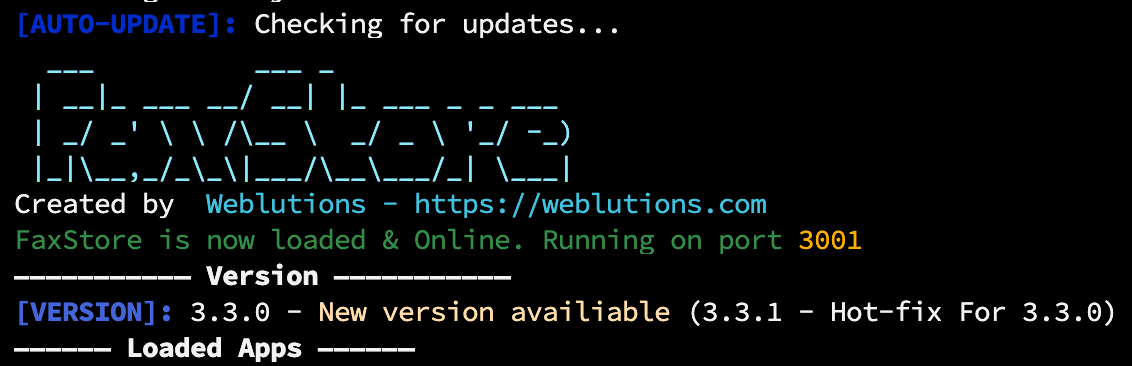
If FaxStore doesn't boot. Follow some of the below sections.
Debug Mode
Enabling debug mode can assist with displaying additional information during boot ups. The Enable Debug Mode guide provides steps.
Direct IP Connection
If FaxStore boots but it can't be connected to from your domain its recommended to try connect via IP:PORT in the URL bar of a browser. For example:
http://123.123.123.123:3000