FaxStore
Reports
The Reports feature allows store data to be collected and delivered automatically from within the Staff Panel. Reports can be generated instantly when needed, or configured to run on a recurring schedule at any time of day.
This makes it possible to automate regular data exports for accounting, operational reviews, customer analysis, download activity, sales summaries, and other reporting needs without manually gathering the information each time.
How Reports Work
Reports are created in the Staff Panel and query the FaxStore database directly. This allows reports to be highly flexible, with columns selected based on the exact data required.
Because reports are built around direct database queries, they can be tailored for both simple summaries and more custom reporting requirements. A report may be used to collect only a few key values, or a broader range of store data depending on the merchant’s needs.
Scheduling
Reports can be run in two ways:
Instantly, for immediate access to current or historical data
On a recurring schedule, for automated collection and delivery at set times
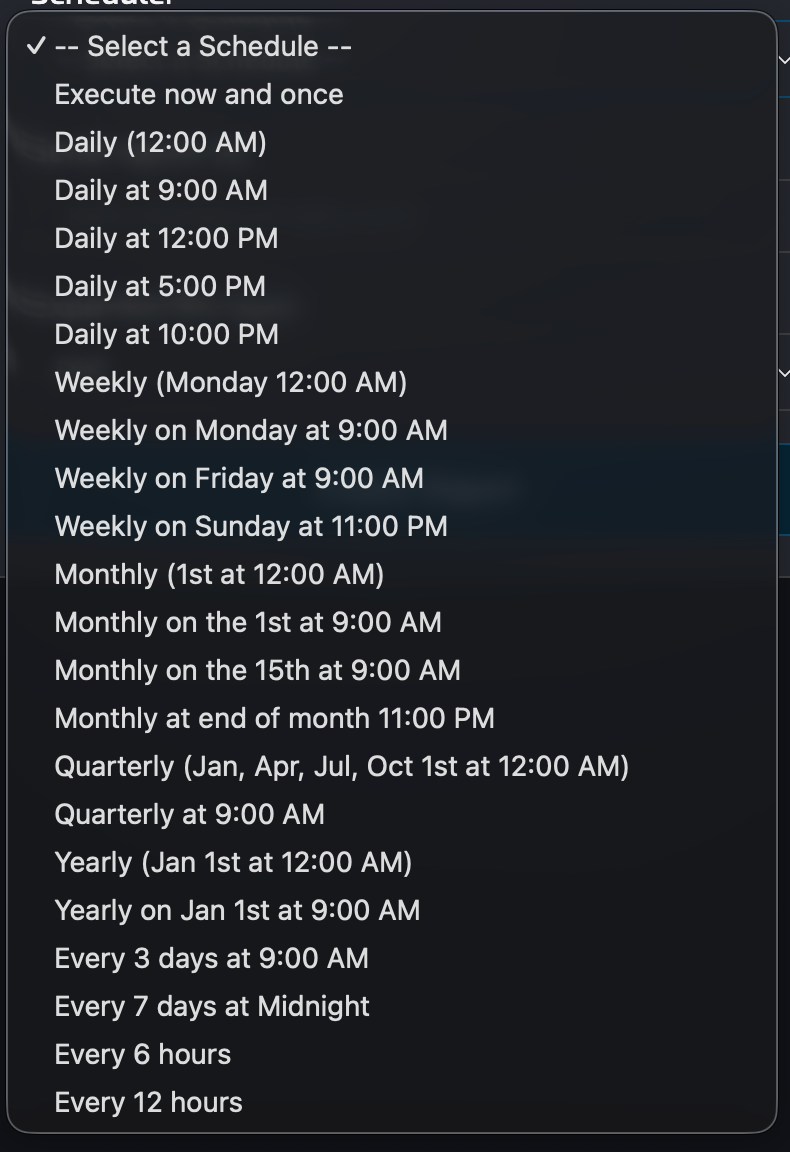
Scheduled reports can be configured to run at any time of day, making them suitable for daily, weekly, monthly, or other internal workflows.
Data Range
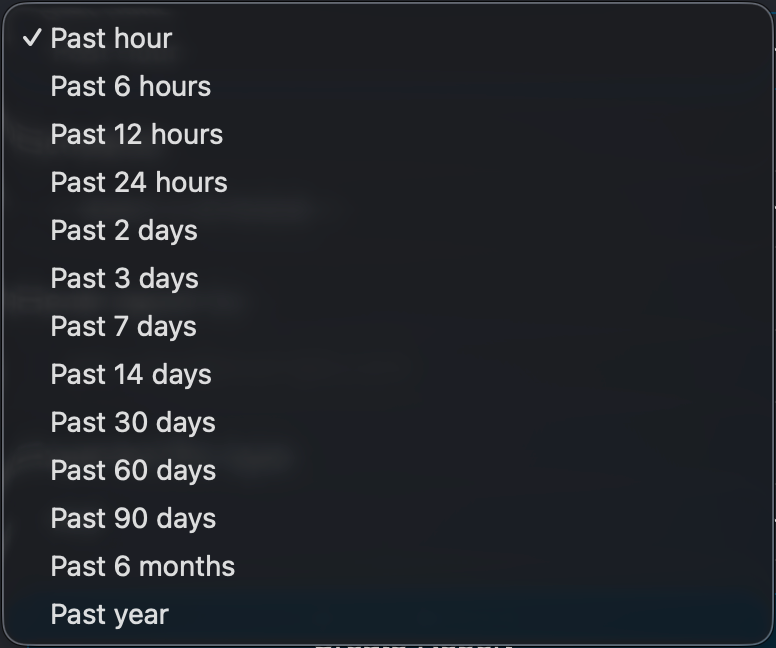
Reports can collect data from the past for up to one year. This allows longer-term reporting across sales activity, customer trends, downloads, account growth, and other stored information.
This range is useful for merchants wanting to compare performance over time, prepare internal summaries, or export historical records without manually filtering data each time.
Custom Data Selection
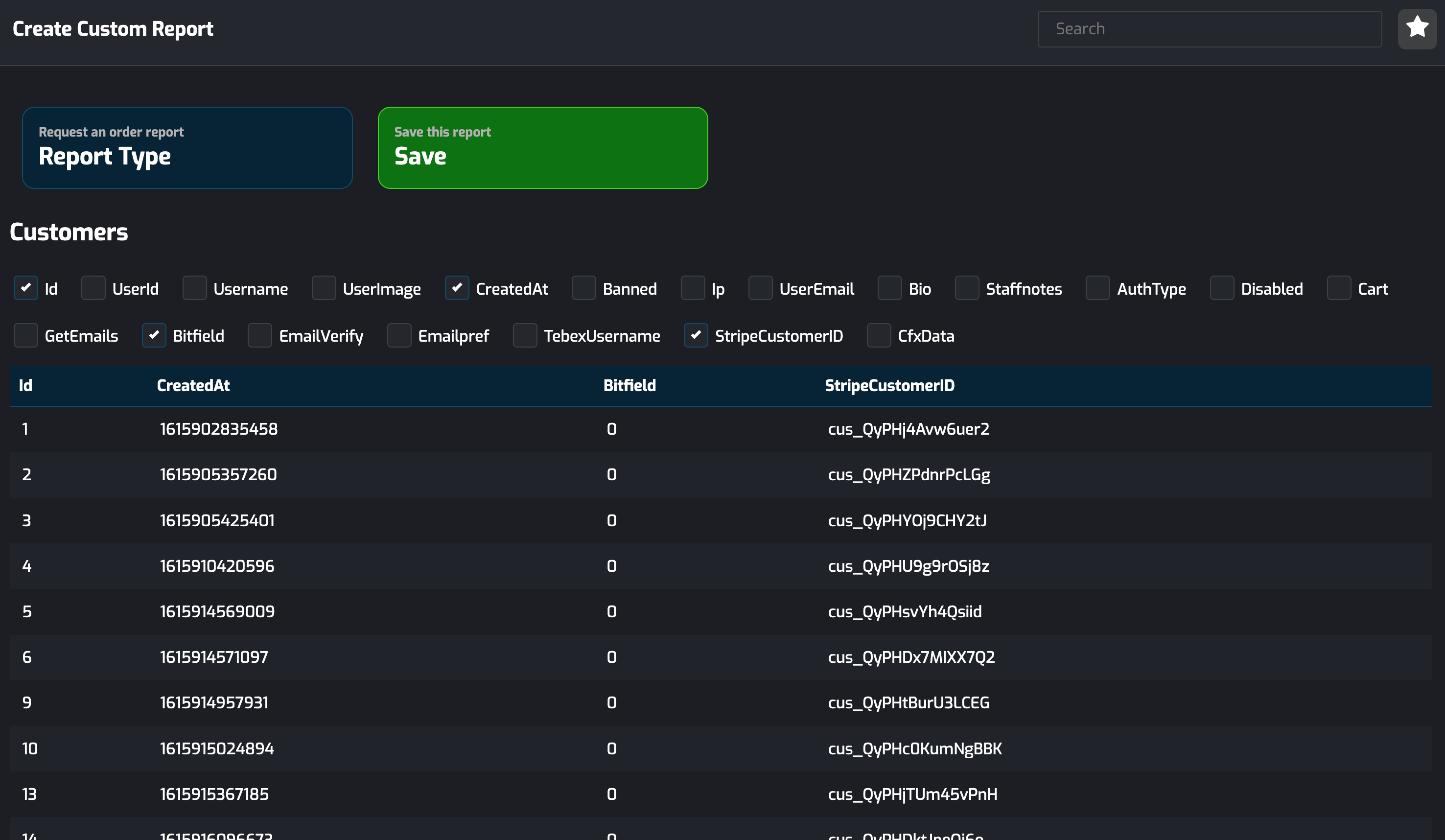
A key part of the Reports feature is the ability to select the columns returned in the report. This gives greater control over the final dataset and helps ensure the exported information matches the report’s purpose.
This flexibility allows reports to be adapted for a wide range of use cases, including:
Sales and purchase reporting
Customer and account data exports
Download activity
Product performance summaries
Custom internal reporting requirements